
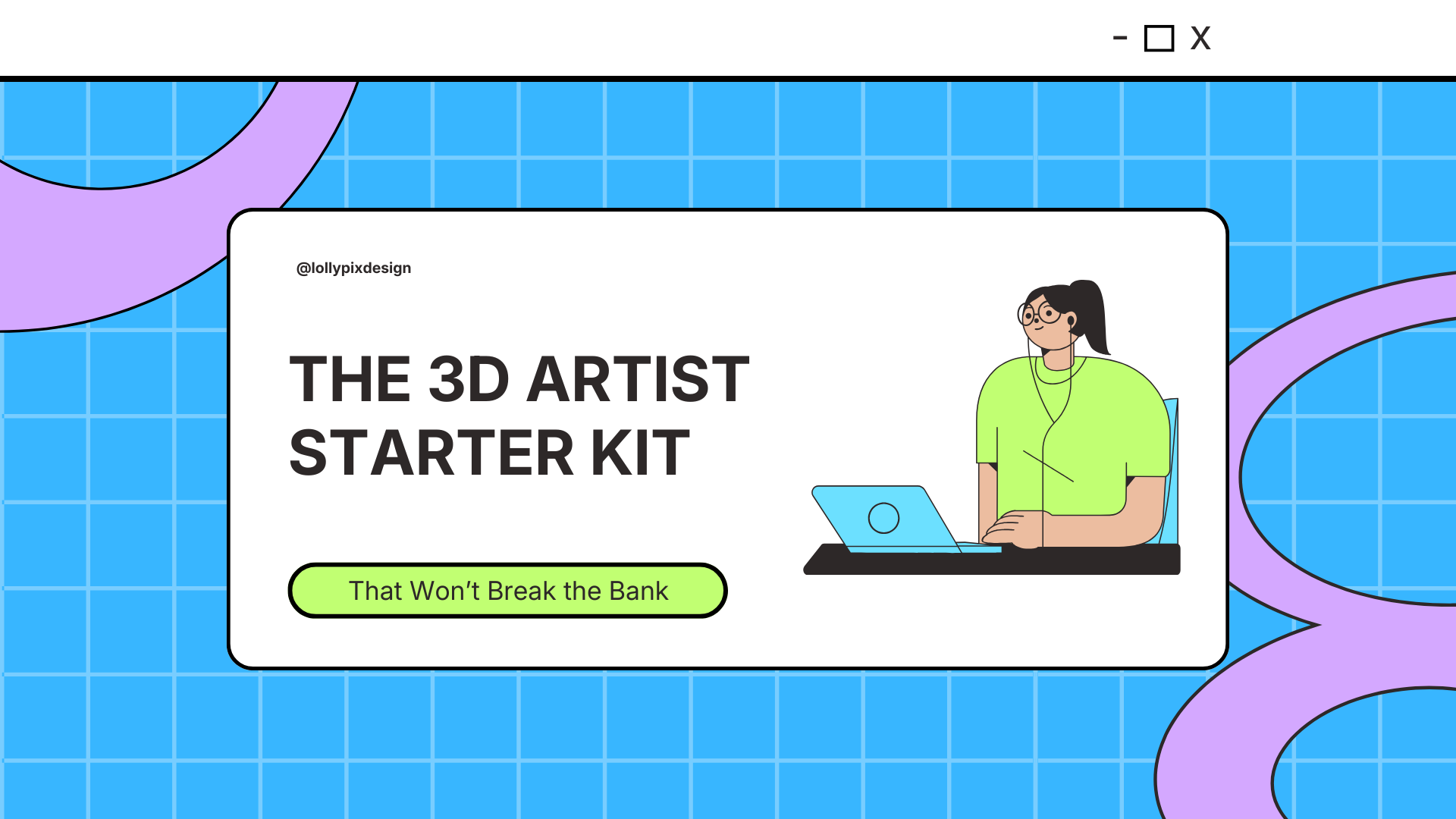
When I started out in 3D, I was working on an iMac. Not a custom PC build, not a specialist creative workstation. An iMac…with 4GB of RAM, well below the recommended spec. And it worked just fine!
That is the thing nobody tells you when you are just starting out as a 3D artist. You do not need a perfect setup to begin. You need the basics, a willingness to learn, and the right resources around you.
So if you have been putting off learning Blender because you are waiting until you have better equipment, this post will put that thinking to rest. Here is what a 3D artist actually needs to get started, and what you can skip entirely.
A computer that can run Blender
This is the one thing you genuinely cannot skip, but the good news is your current machine might already be enough! Blender publishes their recommended hardware specifications directly on their website, and it is worth checking your current machine against that list before you spend a penny on anything new. You might already be good to go.
Whether you are on a laptop or a desktop, Windows or Mac, what matters is that Blender runs smoothly enough for you to learn without frustration. Start with what you have and upgrade when the work demands it.
A notebook
This one surprises people but it is genuinely one of the most used things on my desk. Not an app, not a digital planner, an actual physical notebook.
I use mine to jot down ideas, plan client meetings, sketch out rough compositions before I open Blender, and generally keep myself organised. There is something about writing things down by hand that helps the creative process in a way that typing just does not. Any notebook works. Do not overthink it.
Coffee
I will be honest, I am not a coffee drinker myself. But if you are going to be a 3D artist, chances are there will be late nights waiting on renders and early mornings before client calls. Coffee has practically become the unofficial sponsor of the creative industry for a reason. Whatever gets you through the long sessions, make sure you have it on hand.
Beyond the physical, there are a handful of online resources that I come back to constantly. None of them cost a thing.
Specifically the Blender subreddit. If you are stuck on something, someone on Reddit has already solved it and posted about it. The community is genuinely one of the most helpful corners of the internet for 3D artists at every level.
I still visit it regularly, not just for troubleshooting but for inspiration, feedback, and to see what other artists are working on. It is free, it is always active, and it will save you hours of frustrated Googling when something is not working the way it should.
This is where I go when I need creative direction. Before I start a new project I will spend time on Pinterest building a mood board, looking at lighting references, colour palettes, and product visual styles that resonate with what I am trying to create.
It is an invaluable part of the creative process and something I would recommend building into your workflow from day one. If you are not already using it as a reference tool rather than just a scroll, start now!
BlenderKit
If there is one Blender specific resource worth knowing about early on, it is BlenderKit. It is a library of free and paid assets including materials, textures, and models that integrate directly into Blender.
For product rendering especially, having access to realistic materials without having to build every shader node from scratch is a genuine time saver. I have a whole post dedicated to Blender add-ons and resources if you want to go further with this, but BlenderKit is the one I would point any beginner to first.
That is genuinely it
No £3,000 PC build. No expensive software subscriptions before you have earned a single penny. The barrier to starting 3D art in Blender is lower than most people think, and the sooner you stop waiting for the perfect setup and start learning with what you have, the sooner you will have work in your portfolio you are actually proud of.
If you are ready to take the next step, come and find me over on TikTok at @lollypix where I post regular Blender tutorials and behind the scenes content!


0 Comments